

Divi makes it easy to design great-looking recipe pages. The harder part is making sure those recipes also meet Google’s requirements for rich results and behave reliably inside the builder.
A Divi-compatible recipe plugin needs to do two things well at the same time: render cleanly on the front end without layout issues, and generate valid recipe schema so cooking times, ratings, and images are eligible to appear in search. If either side falls short, you end up with broken layouts, missing rich snippets, or a setup that’s fragile to updates.
That makes the plugin itself part of the decision: it needs to be stable, actively maintained, and widely used.
We’ve compared the best recipe plugins for Divi, how well they handle schema, where they store your recipes, and the exact ways to plug them into the Divi Builder without chaos.
WP Recipe Maker is the recipe plugin to use on a Divi food blog when you need Google-valid recipe schema and a native Divi module without locking the recipes inside Divi-only fields. Divi does the page design and WP Recipe Maker does the recipe card: its free version outputs recipe JSON-LD, it saves recipes in a custom post type, and its recipe module works in both Divi 4 and Divi 5.
The Divi recipe plugin checklist: 4 things that actually matter
A recipe plugin for a Divi food blog has to get four things right: valid recipe schema, portable recipe data, support you can rely on, and a total cost you can live with as the site grows. Drag-and-drop modules and polished demos are easy to get distracted by, but they won’t protect your traffic or your time once you start publishing regularly.
Schema quality
Schema is the part you can’t afford to get wrong. A recipe plugin needs to generate JSON-LD structured data, which is the format Google recommends for recipe rich. If that markup isn’t there (or isn’t valid), your recipes won’t qualify for stars, cooking times, or images in search, no matter how good they look on the page.
This is something to check before you commit. Run a test recipe through Google’s Rich Results Test. Fix any critical errors first. Warnings typically indicate recommended properties rather than eligibility blockers. Some plugins talk about “SEO features” but stop at visual elements like headings or metadata helpers. That’s not the same thing as structured data. If the plugin doesn’t output real recipe schema automatically, you’ll be left troubleshooting after launch, when traffic and rankings are already on the line.
| 💭 Why are my recipe stars not showing in Google? Most of the time, missing stars are a schema issue, not a punishment from Google. Start by running the URL through Google’s Rich Results Test and fix any red errors first. If the test doesn’t detect recipe markup at all, check that your plugin actually outputs JSON-LD on that tier, for example, Food Recipes for Divi’s free version has no schema, while WP Recipe Maker’s free version includes full recipe schema. If the schema is present and valid, look at how the page is being delivered. If you use a caching plugin, purge the full site cache after making schema-related changes. Then temporarily disable any JavaScript minification or combination settings, as these can interfere with JSON-LD script blocks being served correctly. When everything validates cleanly, it still isn’t instant. Rich snippets can take time to appear after fixes. Use Search Console’s “Request indexing” to nudge a re-crawl. If you’re using WP Recipe Maker and you’re still stuck, send your test results and URL to WP Recipe Maker’s support team – replies typically land within a day, and they can spot plugin-specific problems quickly! |
Data portability
It’s totally understandable why data portability feels like a “future you” problem. But if you ever move away from Divi or redesign your site, you’ll be glad you picked a plugin that isn’t tied to one builder. The safest setup is a recipe plugin that stores everything in its own custom post type, with ingredients, steps, and metadata saved as normal WordPress content. That way, your recipes work just as well in Divi as they do in any other theme or builder, and they can follow you into a new layout or even a rebuilt site without hours of manual copying.
Plugins that hide everything inside Divi-only modules quietly lock you in. If that plugin stops being updated, clashes with Divi, or you just decide you’re done with that stack, your recipes are tangled up in shortcodes and builder fields that don’t transfer cleanly. For a food blog, it’s worth asking: “If I had to move all of this in two years, how painful would it be?” A Divi-compatible plugin that keeps recipes in a custom post type keeps the answer pretty calm.
Support quality
Things go wrong eventually. A recipe stops rendering correctly, a Divi update changes spacing, or rich snippets drop without warning. When that happens, fast, knowledgeable support makes a real difference. With actively maintained recipe plugins, it’s normal to get a clear answer within a business day, often from someone who knows the product inside out.
It’s also worth checking how often the plugin is updated in the WordPress repository or in changelogs. Regular releases usually mean the plugin is being tested against new WordPress and Divi versions, not just patched when something breaks. Slow update cycles tend to go hand in hand with slow support. Since recipe issues often block publishing or force you to delay updates, the quality and speed of support directly affect how smoothly your site runs day to day.
Total cost
Total cost of ownership isn’t just what you pay up front. Free recipe plugins offer basic features (schema, ingredients, instructions) but are insufficient for growing food blogs. Successful publishers soon need advanced features like nutrition calculation, unit/temperature conversion, affiliate fields, recipe collections, or user favorites, requiring a premium upgrade. When comparing plugins, consider the full two- or three-year cost, including renewals. One paid plan that bundles these tools is usually easier to manage than several separate add-ons.
What are my options for adding recipes to my Divi site?
You’ve basically got three options from here:
First, lean on Divi’s own tools and anything Elegant Themes offers, which covers page design but not real recipe features or schema.
Second, use Divi layout packs for the pretty pages and slot a separate recipe solution into them.
Third, go with a dedicated recipe plugin that handles schema, ratings, and workflow, then drop its cards and indexes into Divi via shortcodes or modules.
The right choice depends on how serious you are about search traffic and long-term flexibility.
| 💭 Do native options exist from Elegant Themes? No – there isn’t an official recipe plugin from Elegant Themes. They build the Divi theme and builder, but recipe functionality is left to third-party tools. What they do offer is a free Food Recipes layout pack with eight nicely designed page templates. These are purely visual. They help recipes look polished on your site, but they don’t add structured data or schema markup, so Google treats the content as plain text. Combine a Divi layout pack for design with a true recipe plugin’s card for proper schema, rich snippets, and SEO. |
Comparing Divi-compatible recipe plugins
If rich snippets and long-term flexibility matter, the strongest options are dedicated recipe plugins that integrate with Divi rather than relying on Divi-specific modules alone. Here’s how the most common choices compare in practice.
WP Recipe Maker
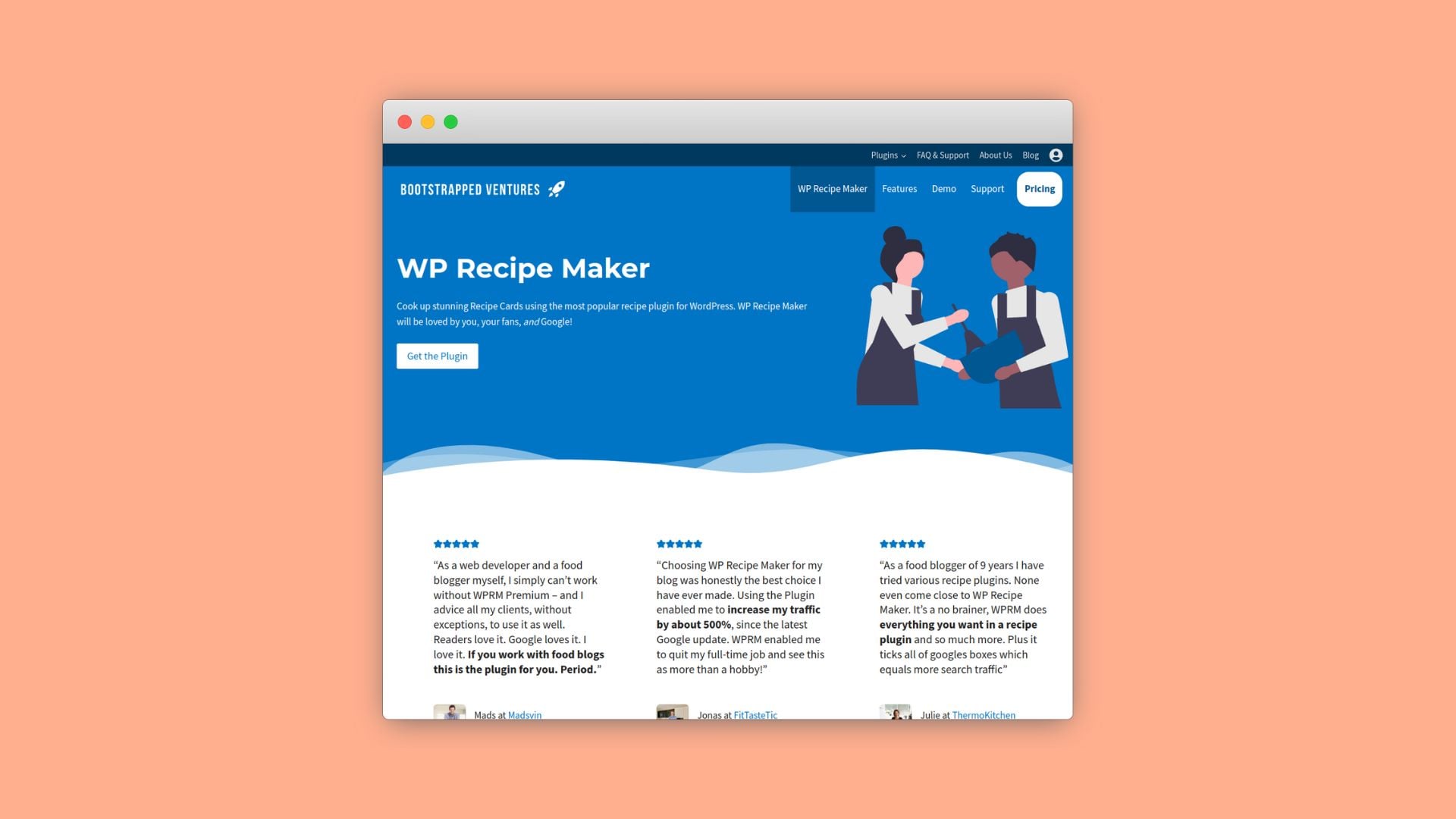
WP Recipe Maker is the most well-rounded option for food blogs using Divi. It automatically generates JSON-LD structured data for recipes and how-to content, stores everything in a custom post type, and integrates cleanly into Divi using a native Divi module or shortcodes placed in Text modules. That setup keeps layouts flexible while ensuring recipes remain portable outside Divi.
Schema support is included in the free version, which already makes recipes eligible for rich results. Paid plans add monetization and workflow features: Premium ($49/year) includes affiliate links, ratings, and adjustable servings; Pro ($99/year) adds nutrition calculation and unit conversion; Elite ($149/year) unlocks recipe collections and user submissions. The plugin is actively maintained and used by over 50,000 sites, which shows up in consistent updates and responsive support.
Food Recipes for Divi
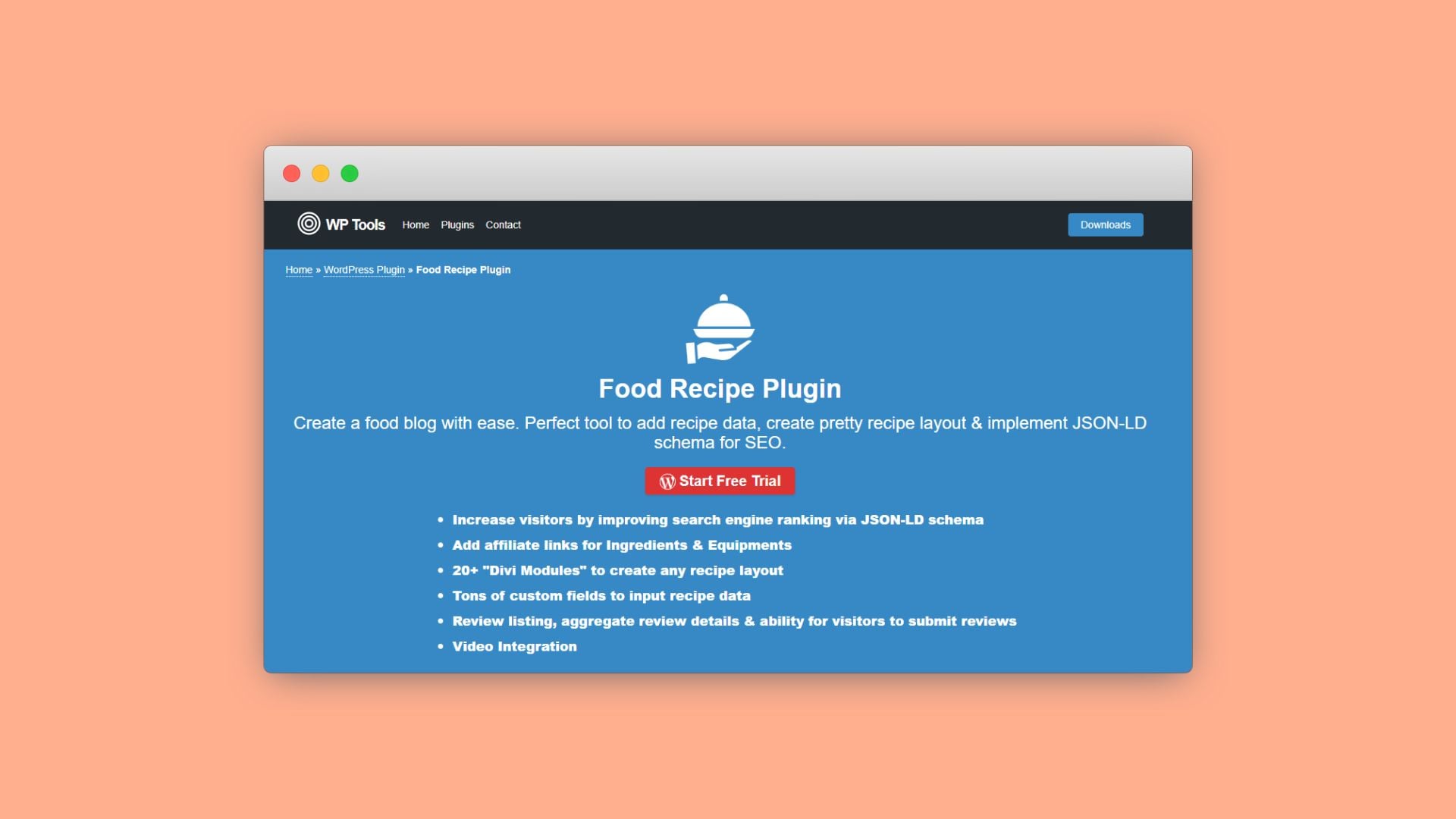
Food Recipes for Divi focuses on native builder integration. It offers 20+ Divi modules, several of them premium-only, for building recipe layouts inside the Divi Builder. For users who want everything handled visually, that’s appealing, though the free version lists fewer than 10 active installations on WordPress.org.
The trade-off is under the hood. The free version does not include recipe schema; JSON-LD comes with the Premium version, sold for $69.99 on the Elegant Themes marketplace with a year of support and updates. Recipes are saved in the plugin’s own recipe post type, but the plugin requires the Divi theme to run and builds each recipe layout from its Divi modules, so moving away from Divi means rebuilding how every recipe displays. It’s a solid design-first option, but less flexible long-term.
WP Delicious
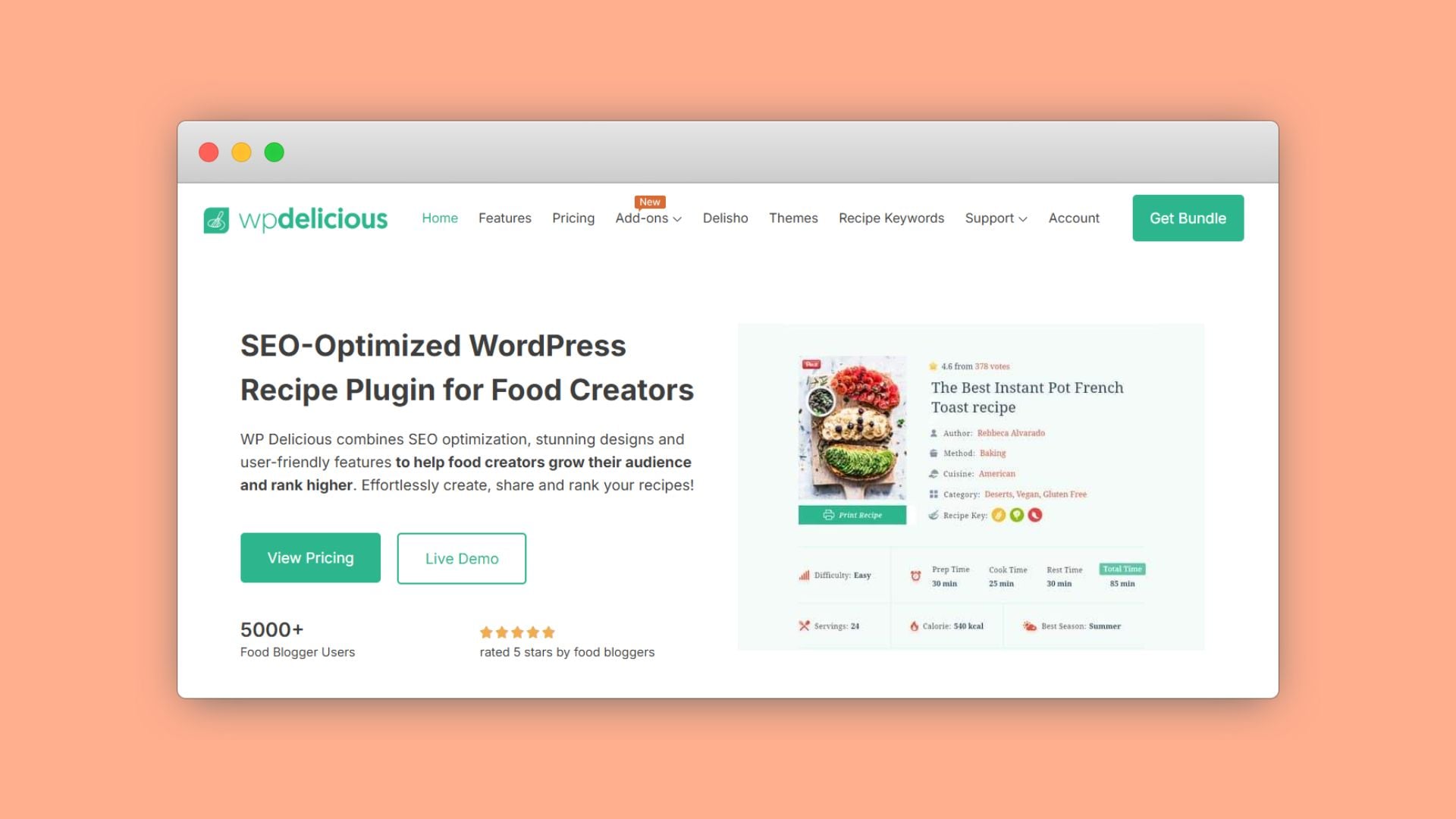
WP Delicious is a freemium option and stores recipes in a custom post type.
For Divi, WP Delicious offers the paid “Delisho Divi Modules” add-on ($59/year, or $149 for a lifetime license, for one site), which adds Divi modules for recipe lists, grids, and categories.
Tasty Recipes
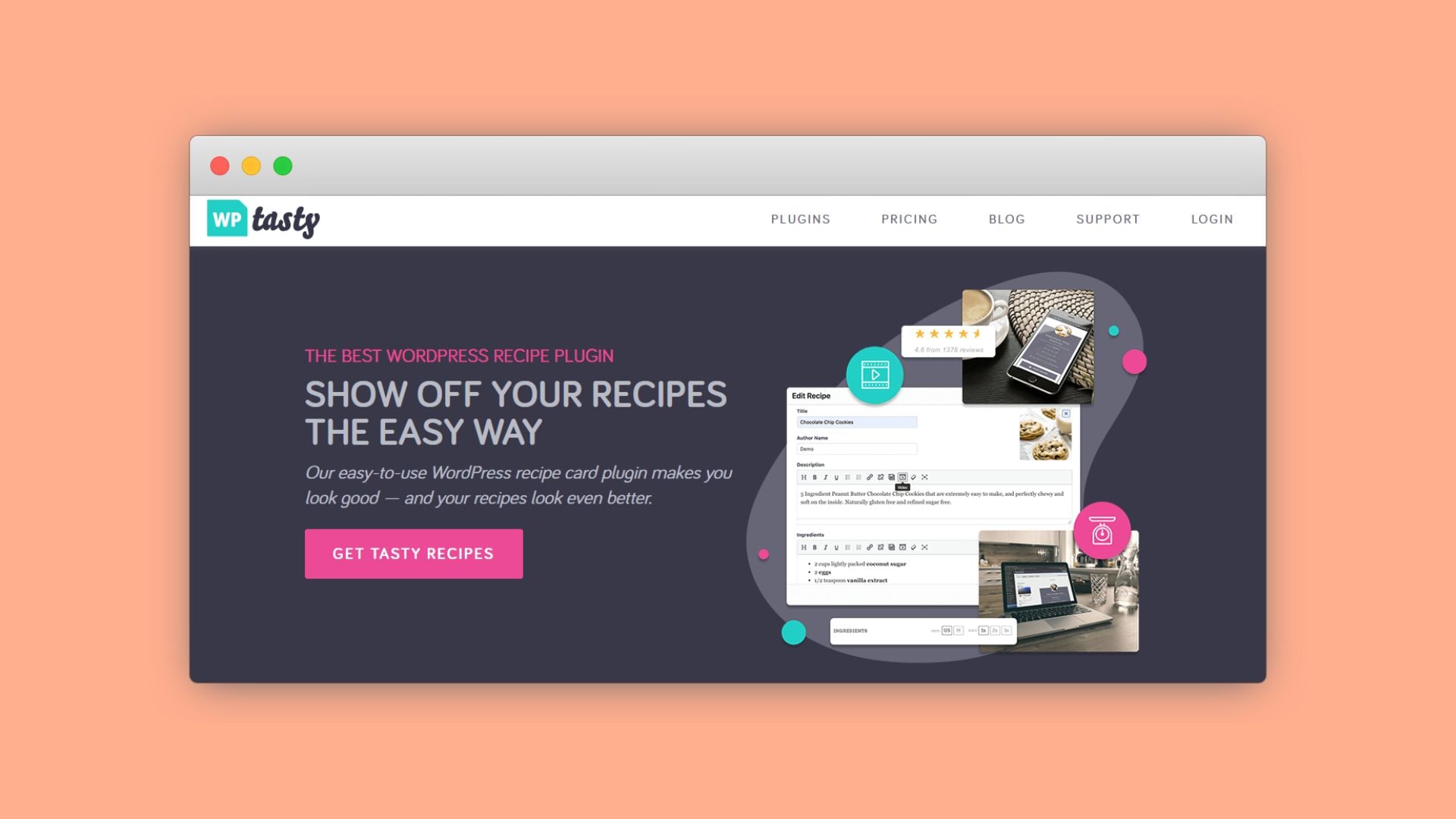
Tasty Recipes’ paid plugin is $49 for the first year at its current introductory price, then renews at $99/year. It includes built-in JSON-LD schema and uses a custom post type for recipes. WP Tasty’s own compatibility page lists Elementor and Thrive Architect as supported page builders, with Divi marked as in the works.
It also integrates tightly with the wider WP Tasty ecosystem, including tools for Pinterest sharing, affiliate links, and roundups. That makes it a good fit if you already rely on those tools, though it’s less modular if you prefer mixing and matching plugins.
Divi Booster Recipe Module
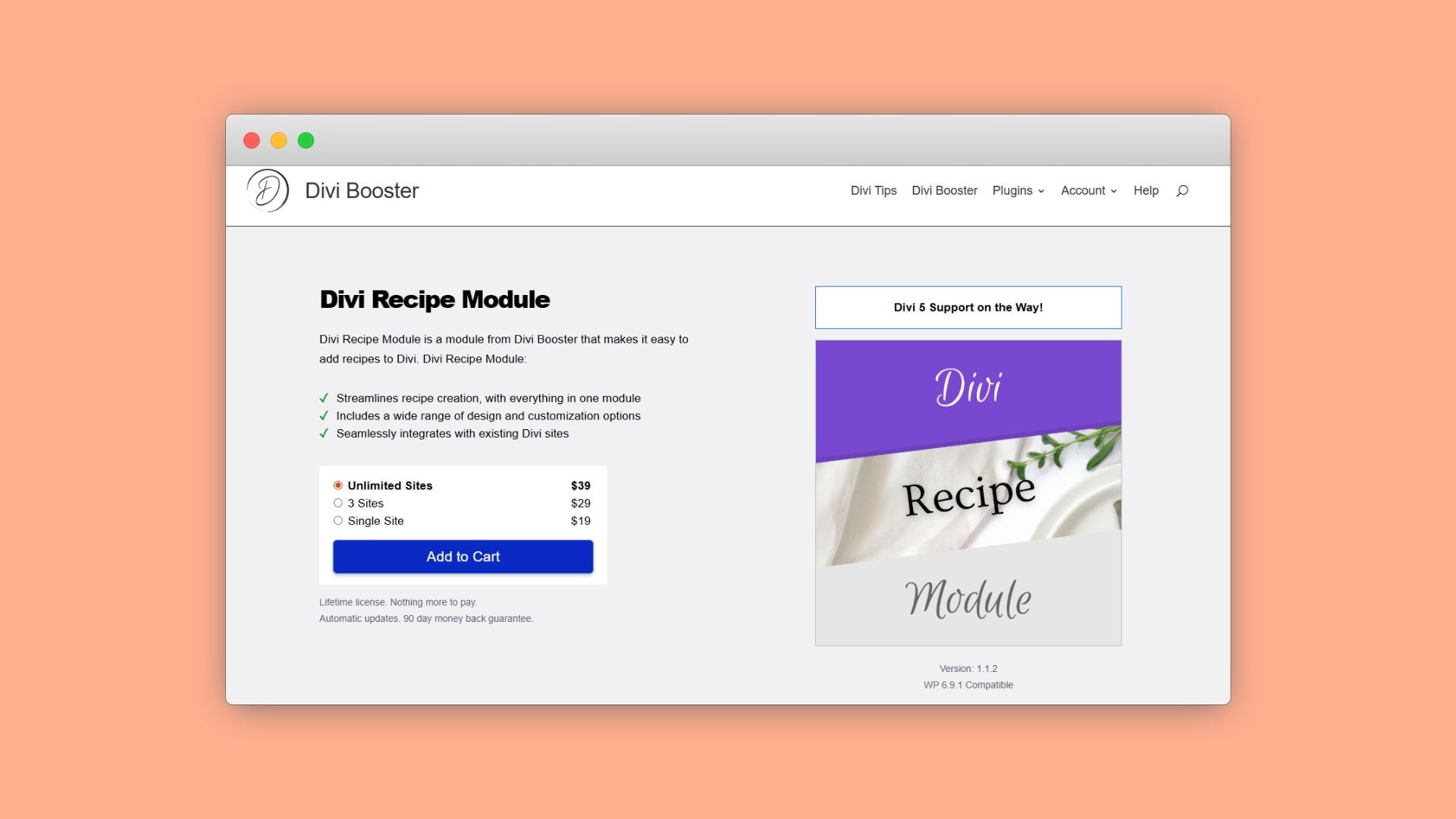
The Divi Booster Recipe Module adds a dedicated recipe module with fields for ingredients, instructions, cook time, servings, star ratings, and print buttons. It’s sold as an annual or a lifetime license, works entirely inside the Divi Builder, and currently supports Divi 4, with Divi 5 support listed as coming soon.
What it doesn’t clearly provide is structured data. There’s no documented JSON-LD or recipe schema output, which means it shouldn’t be relied on as a primary recipe system if search visibility matters. It works best as a design layer when schema is handled elsewhere.
How to implement WPRM in Divi: a step-by-step guide
Setting up WP Recipe Maker in Divi usually falls into these setups:
- Adding a single recipe card to a page or post.
- Creating a recipe index or filterable grid with WP Ultimate Post Grid.
WP Ultimate Post Grid Premium adds dropdown filters by course, cuisine, and ingredients, and the plugin also has an “Index” template with Dynamic Order for a simple sorted index view.
One quick note: If you use the shortcode method via a Text module, you may see the shortcode text rather than a full preview inside the Visual Builder. Using the native WPRM Recipe module (Option 1) renders the card correctly inside the builder.
Getting WPRM to display inside Divi pages
Start with the recipe itself. You have two ways to create one:
Option A: Create it on the Manage page first
Go to WP Recipe Maker → Manage and click the blue “Create Recipe” button. Fill in your title, summary, servings, prep/cook time, ingredients, and instructions, then save. Then choose how to display it in Divi:
Use the WP Recipe Maker Divi Module (Recommended)
- Open the page or post in the Divi Builder.
- Add a new module where you want the recipe card to appear.
- Search for “WPRM Recipe.”
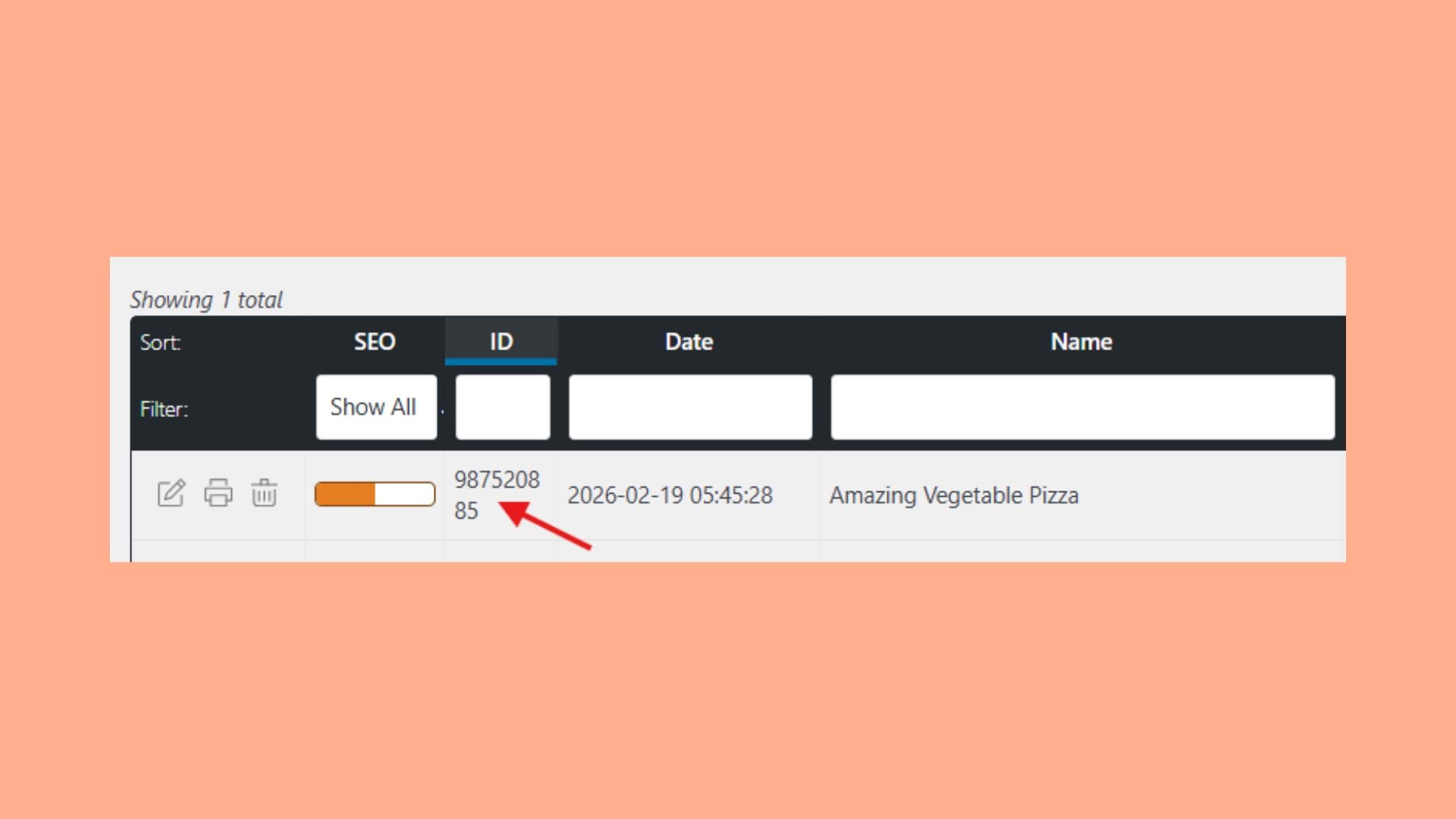
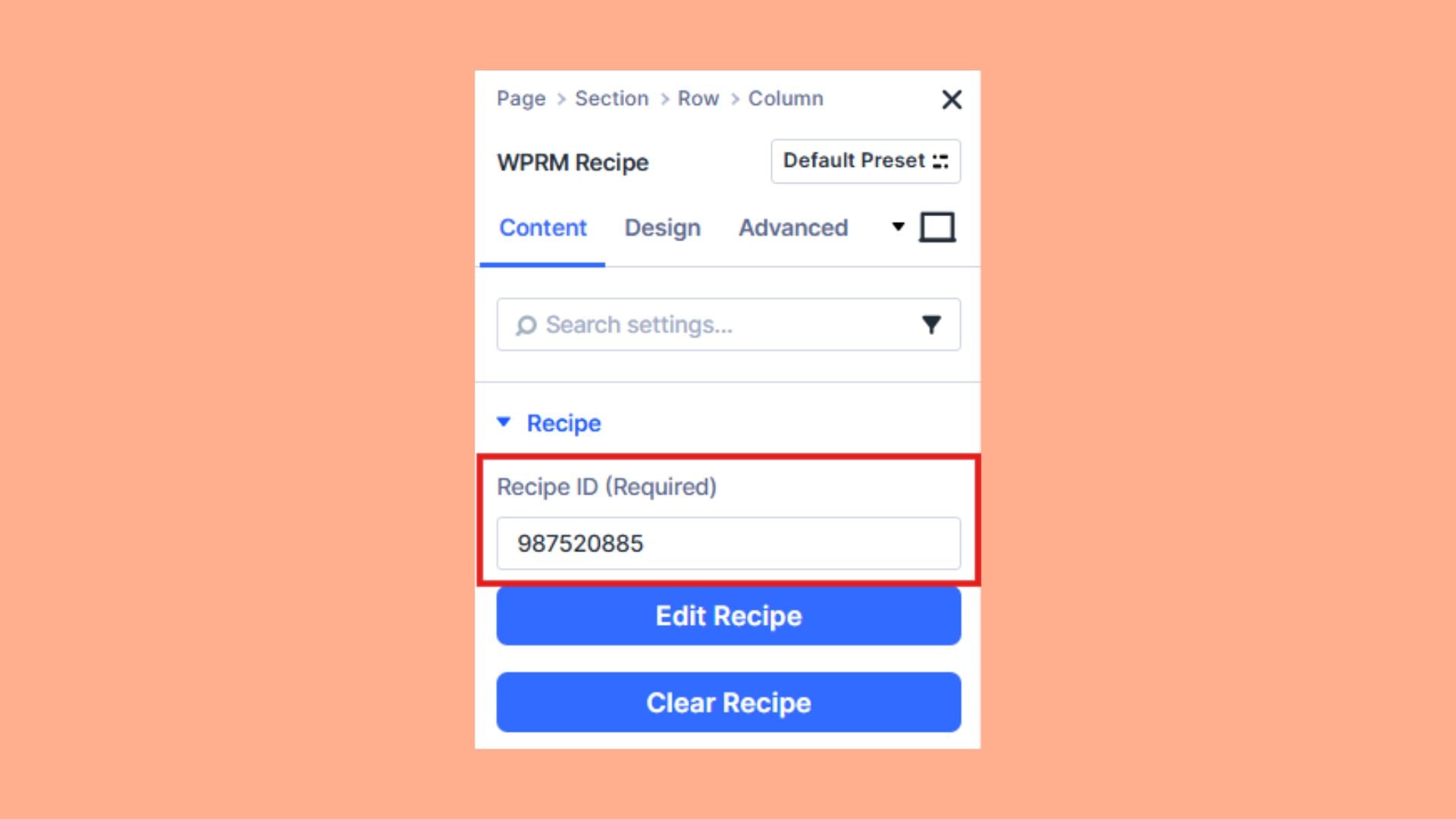
- Enter your Recipe ID in the module settings.
- Adjust alignment or spacing if needed.
- Save and preview.
On the front end, Divi will render the full recipe card in that exact spot. This method is the most stable and gives you layout control without relying on manual shortcode placement. If your site runs Divi 5, WP Recipe Maker has had a Divi 5 recipe module since version 10.2.0, and from version 10.5.0 it automatically replaces existing Divi 4 recipe modules with the Divi 5 version.
Note: The recipe won’t appear publicly until it’s added to a published post or page.
Use the Shortcode (Alternative)
If you prefer using shortcodes:
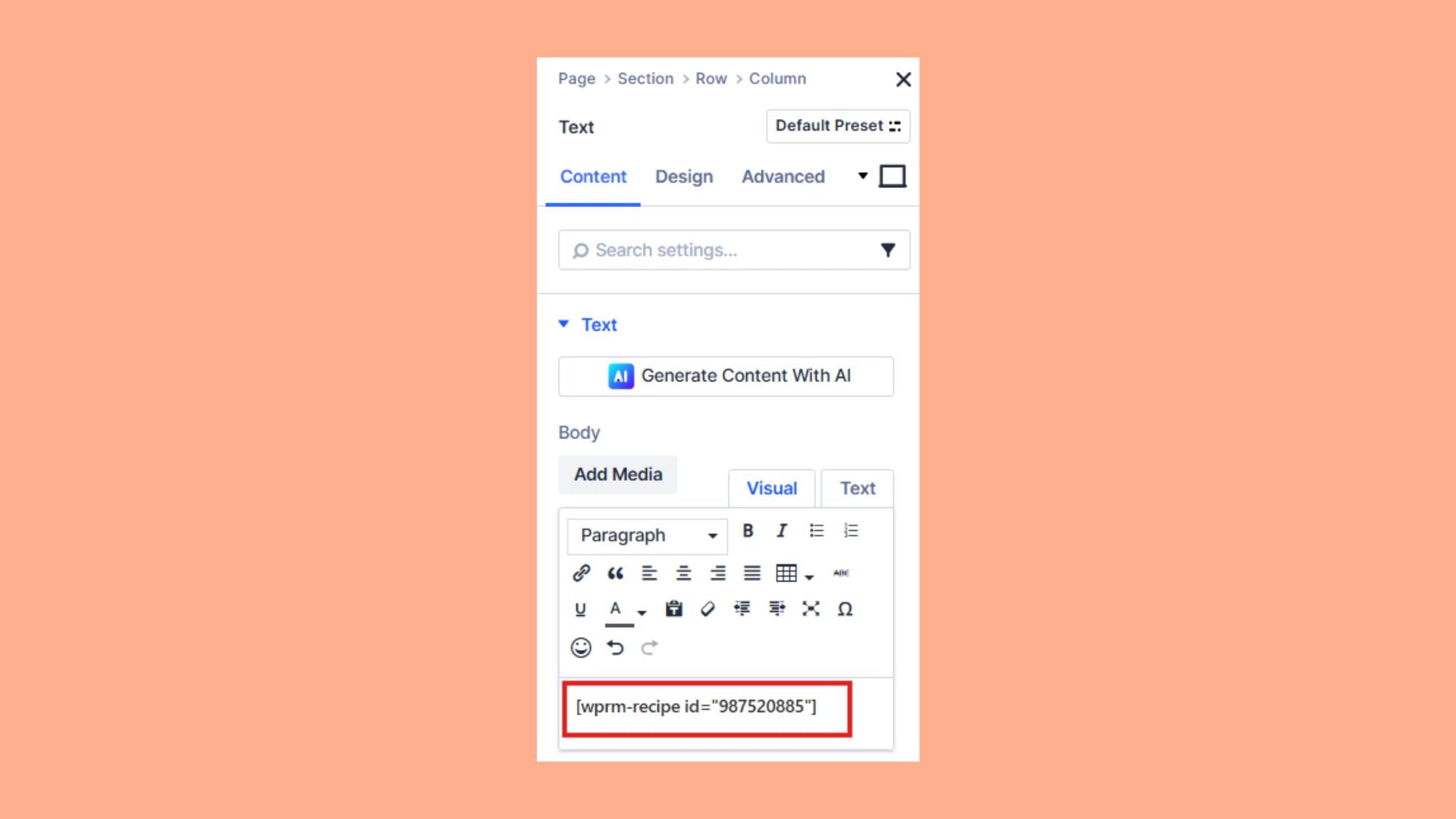
- Edit your page with Divi.
- Add a Text module.
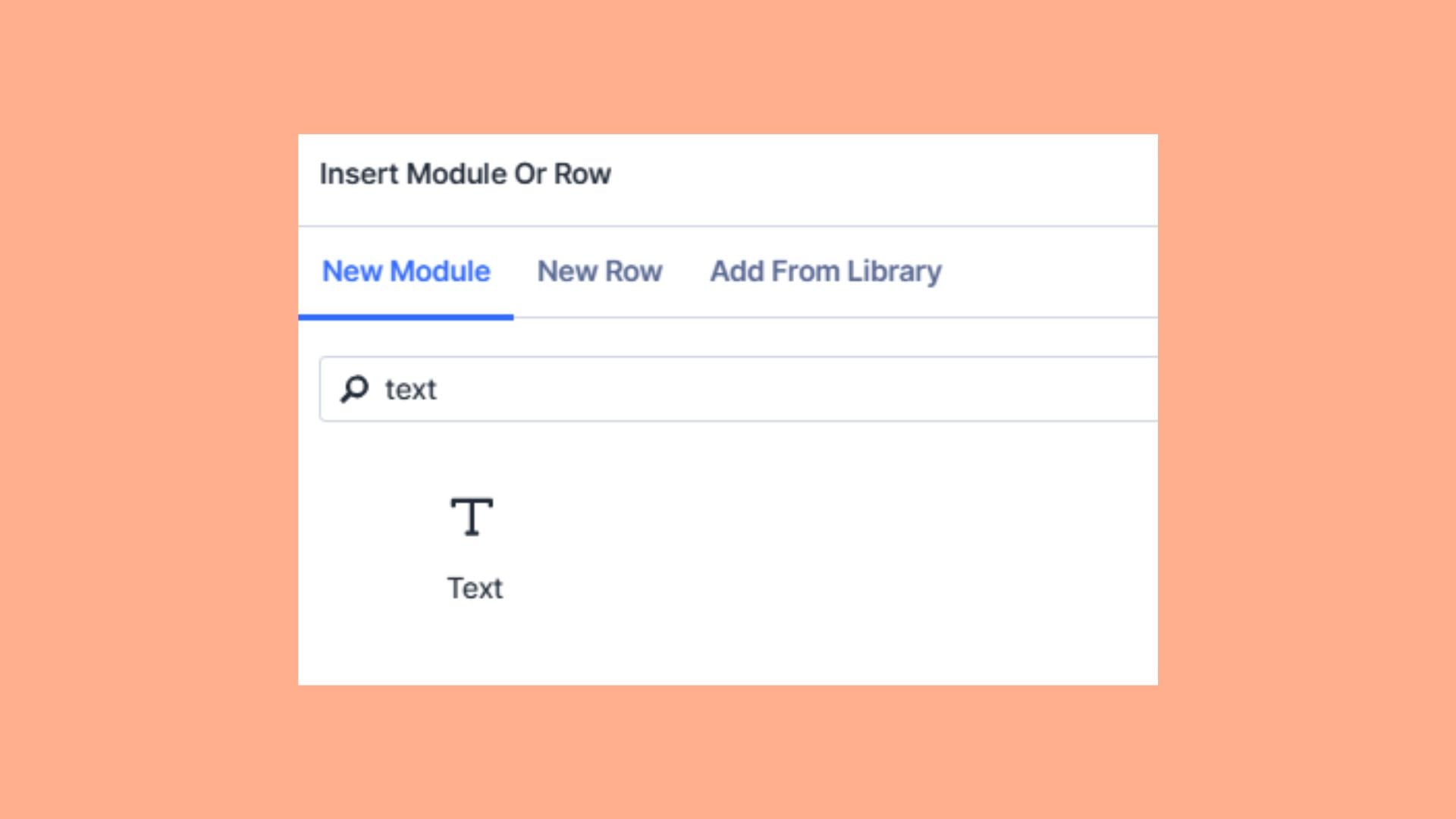
- Paste:
[wprm-recipe id="123"]Replace 123 with your actual Recipe ID.
- Save and preview the page.
Again, in the Visual Builder, you may only see the shortcode text. That’s expected. The styled recipe card appears correctly on the live page.
| 💡 Prefer to skip the Manage page? Add a WPRM Recipe module directly in Divi and enter the ID of an existing recipe; no dashboard visit needed. |
How do I create a recipe index or archive page in Divi?
There are two ways to create a recipe index or archive page in Divi, depending on how much control you need. The recommended solution is WP Ultimate Post Grid, which integrates directly with WPRM and gives you access to recipe taxonomies like courses, cuisines, and ingredients as filters.
Option 1: Use Divi’s built-in tools
Each WPRM recipe is embedded in a regular WordPress post, so Divi’s native Blog module can list those recipe posts automatically. Point the module at your recipe posts, style it how you like, and you’re done. No extra plugins required.
Option 2: WP Ultimate Post Grid (recommended)
For a filterable, sortable recipe grid or index, install WP Ultimate Post Grid alongside WP Recipe Maker. WP Ultimate Post Grid Premium adds dropdown filters by course, cuisine, and ingredients, and the plugin also has an “Index” template with Dynamic Order for a simple sorted index view.
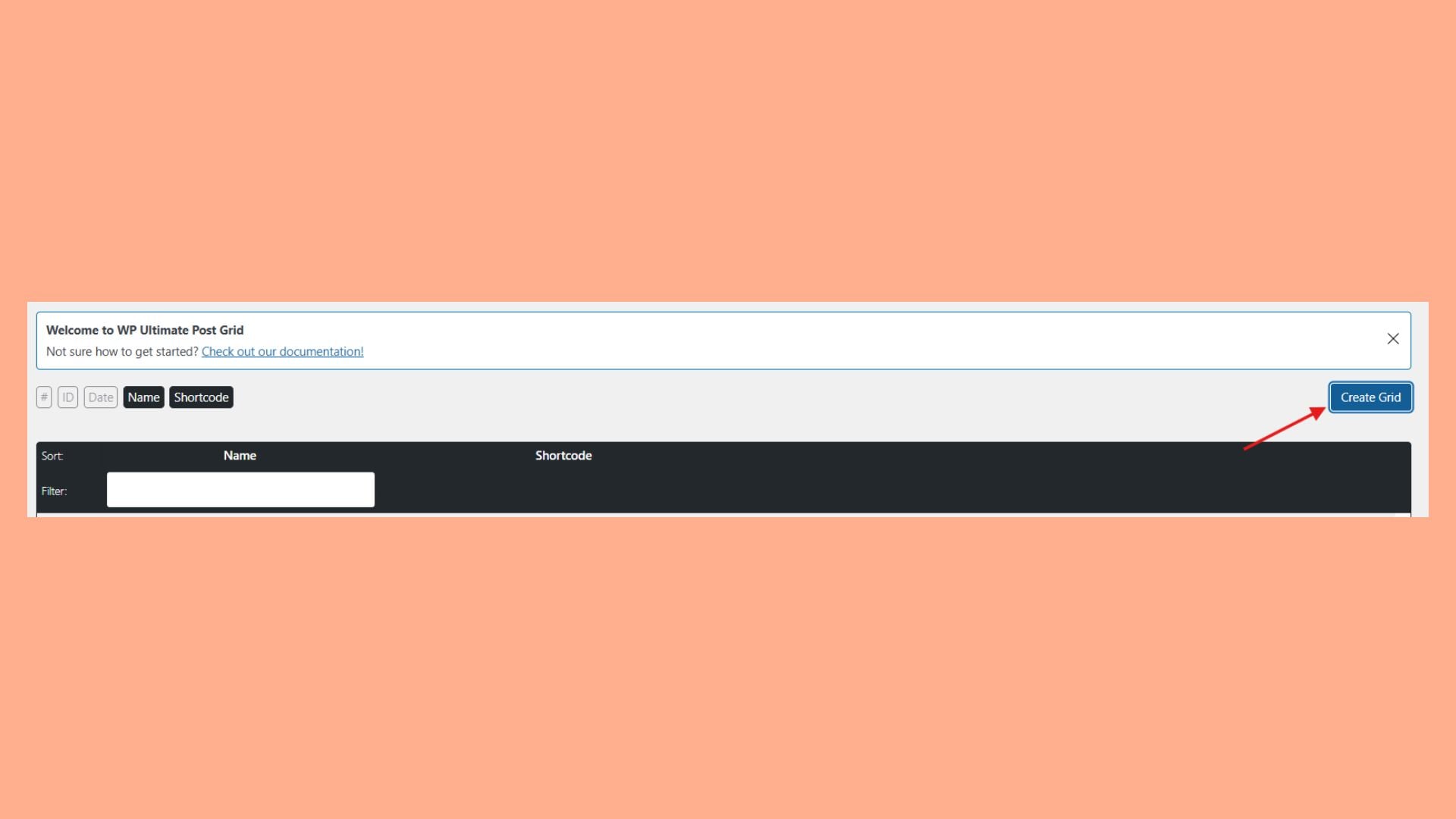
First, install and activate WP Ultimate Post Grid alongside WP Recipe Maker.
Then:
- Go to Grids → Create Grid.
- Set the data source to Recipes as the post type.
- Add filters for categories, cuisines, or custom taxonomies.
- On the Other tab, enable ItemList Metadata so your index page is eligible to appear as a carousel in Google search results. This only works when the grid items are set to link to their posts on the Item tab.
- Save the grid and copy its shortcode.
- Create a new page in Divi and add a Text module where you want the grid to appear.
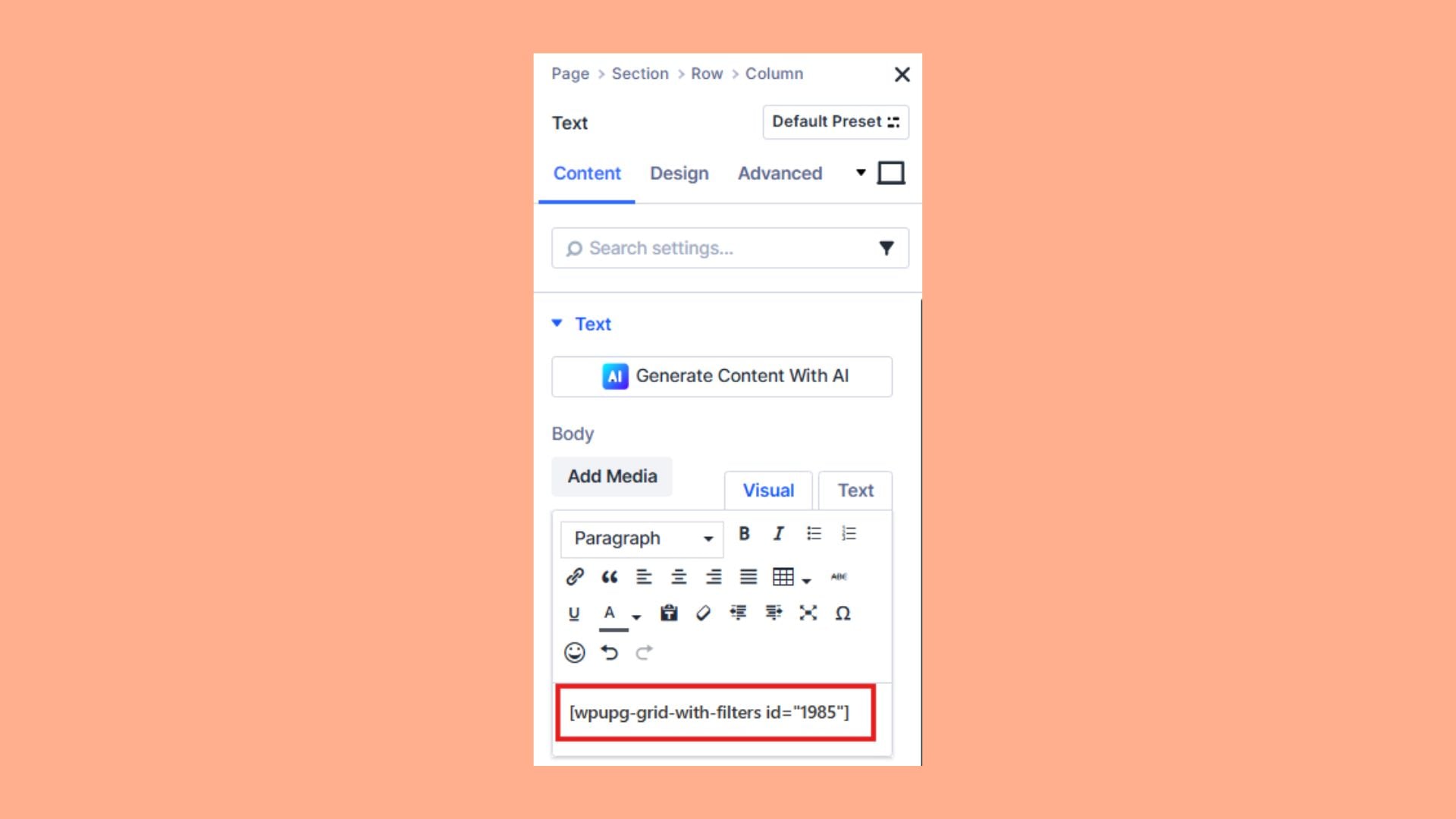
- Paste the shortcode into the Text module and publish.
Note: A recipe will only appear in the grid once it’s added to a published post, not just saved as a recipe.
This setup gives you:
- Proper JSON-LD recipe schema for rich results.
- Clean integration with Divi layouts.
- Automatic archive updates.
- Optional filtering without locking your content into Divi-only modules.
Divi handles the design. WP Recipe Maker handles the structure and structured data. Together, they give you a setup that looks polished and stays stable as your site grows!
Start your Divi journey with WP Recipe Maker today
If you want Divi layouts and rich snippets, WP Recipe Maker gives you both without tying your hands. It adds proper JSON-LD schema to your recipes and drops into Divi through a native module or shortcode, so you get Google-ready markup and recipes that move with you if you ever leave Divi.
WP Recipe Maker gives you completely customizable templates for Divi recipe sites – its Template Editor reshapes every part of the recipe card without touching code.
As your blog grows, you can upgrade to Premium at $49/year for affiliate links, ratings, adjustable servings, and more advanced workflow features, knowing you’re building on the same base.
Get started with us today, have your first recipe card and index live, and you’ll have a setup that can grow with you instead of holding you back!