
You’ve picked WordPress, you’re ready to publish recipes, and you’ve hit a fork: WP Recipe Maker or Recipe Card Blocks? Both build clean recipe cards. Both hand Google the schema it needs for rich results. But they get there in different ways, and the plugin you choose shapes how you design your cards, grow your traffic, and earn from your food blog for years to come.
This guide compares them side by side, including features, pricing, free tiers, editor workflow, monetization, AI tools, and migration, so you can match the right plugin to your goals.
WP Recipe Maker vs Recipe Card Blocks: feature comparison
TL;DR: WP Recipe Maker is a WordPress recipe plugin from Bootstrapped Ventures that adds schema-ready recipe cards and a visual Template Editor, with paid tiers built for deeper customization and monetization. Recipe Card Blocks, made by WPZOOM, keeps recipe building right inside the block editor.
The table below breaks down where they split, so you can quickly spot the differences that matter for your blog.
| Feature | WP Recipe Maker | Recipe Card Blocks |
| Editor model | Works in Gutenberg, Classic Editor, Elementor, and other page builders | Block-editor first, with Elementor support |
| Free tier | JSON-LD schema, How-To, Guided Recipe, ItemList, print, pin, video, comment ratings, Template Editor | JSON-LD schema, star and comment ratings, Cook Mode, AI Recipe Generator, AMP, video, Elementor, nutrition facts block, import features |
| Schema types | Recipe, Guided Recipe, How-To, and ItemList | Recipe, ItemList for Recipe Roundups |
| Monetization | Ingredient links, equipment links, Instacart, Chicory, eCommerce Products | WooCommerce, Instacart, equipment affiliate links |
| AI tools | Elite AI Assistant with six workflow tools, all human-approved, plus CookPal for reader questions | AI Recipe Generator that drafts full recipes from a prompt (3 credits per paid plan, more bought separately); links to Yamidoo, WPZOOM’s separate reader-chat plugin |
| Recipe index | Paired with WP Ultimate Post Grid | Built-in Recipe Index (Pro) |
| Page builders | Gutenberg, Classic Editor, Elementor, Divi, Bricks, and more | Gutenberg and Elementor natively; other builders via shortcode |
| Starting paid price | $49/year, 1 site | $59/year, 1 site |
The verdict: WP Recipe Maker carries the deeper toolkit, more control over how cards look, and wider ways to earn, while Recipe Card Blocks builds inline and ships a recipe index.
Pricing and what each tier unlocks
WP Recipe Maker prices by features, selling three single-site bundles at $49, $99, and $149 a year, while Recipe Card Blocks ties features to site count across plans at $59, $79, and $99 a year.
- Premium, $49, covers adjustable servings, user ratings, cook mode, ingredient and equipment links, and a nutrition label.
- Pro, $99, adds unit conversion, temperature conversion, custom recipe fields, and calculated nutrition facts.
- Elite, $149, brings recipe collections, a quick-access shopping list, recipe submissions, eCommerce products, and the AI Assistant.
Running more than one site? Licenses cover 2, 3, or 20 sites at higher yearly rates, with the 20-site Elite topping out at $599.
With Recipe Card Blocks, the plan you pick decides both how many sites you cover and which features you get: Starter leaves out unit conversion, the nutrition facts calculator, recipe submissions, and WooCommerce integration, all of which arrive at Professional.
- Starter is $59 a year for 1 site.
- Professional is $79 a year for 3 sites.
- Business is $99 a year for 10 sites.
That split shows the difference in approach. On Recipe Card Blocks, unit conversion only arrives with a three-site license. WP Recipe Maker includes it at Pro on a single-site license, with adjustable servings available a tier earlier at Premium, so you pay only for the tools you need as your site scales.
Free tier: WPRM Free vs Recipe Card Blocks Lite
Good news for anyone just getting started. Both plugins ship free versions that output JSON-LD structured data, the code Google reads to display rich snippets like star ratings and cook times. So yes, you can earn recipe rich results without a cent spent.
Where they part ways is how much room you get to grow.
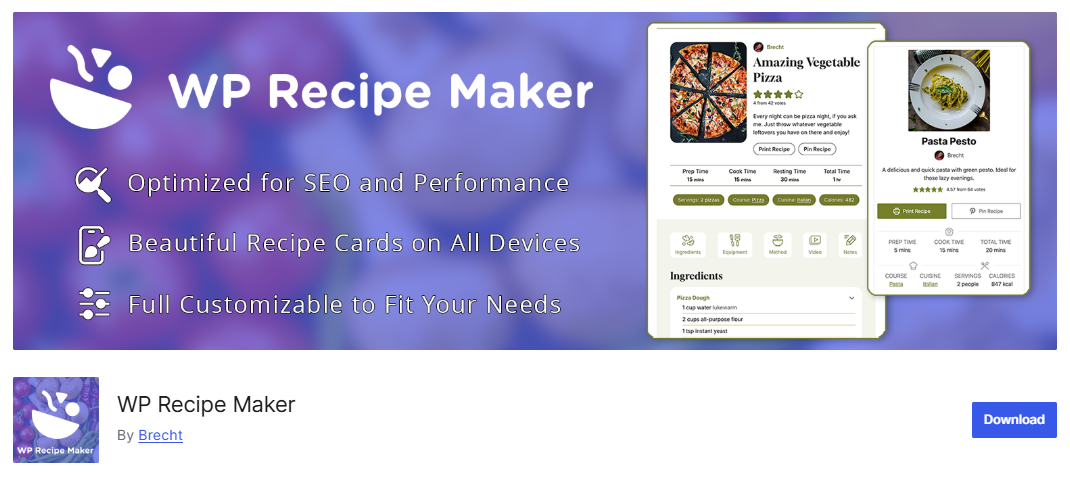
WPRM Free hands you a lot on day one. You get the Template Editor for reshaping your card, plus print, Pinterest pin, video, and comment ratings. That makes it a strong starting point for bloggers who plan to scale later.
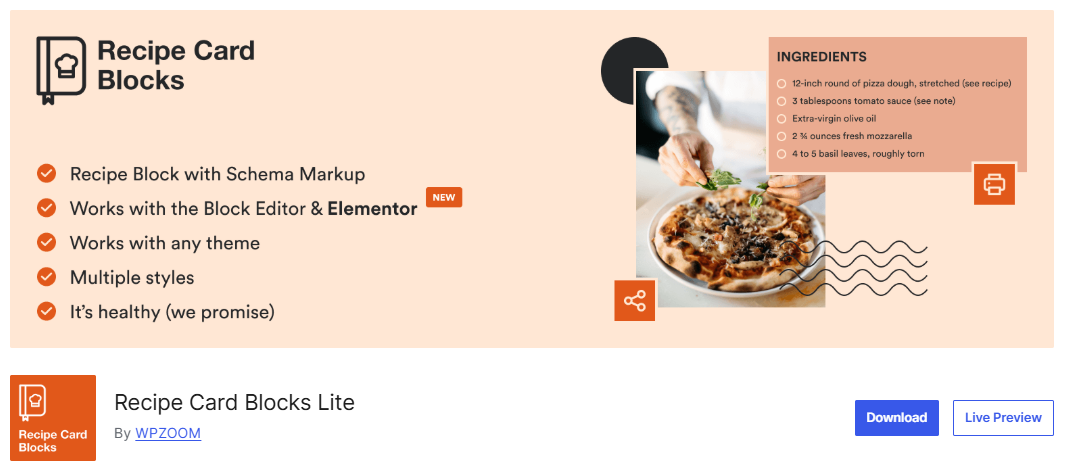
Recipe Card Blocks Lite gives you three preset card styles in the block editor and Elementor, plus star ratings, Cook Mode, and the AI Recipe Generator.
Here’s when it’s worth upgrading:
- Get WPRM Premium when you want affiliate links or adjustable servings. Move up to Pro when you also want unit conversion and automatic nutrition calculation.
- Recipe Card Blocks includes its recipe index on every paid plan, while unit conversion and multi-site licenses start at Professional ($79 a year for 3 sites).
Editor experience and card design control
WP Recipe Maker gives you more control over how the finished recipe card looks, because its Template Editor lets you rearrange and restyle every element without writing code.
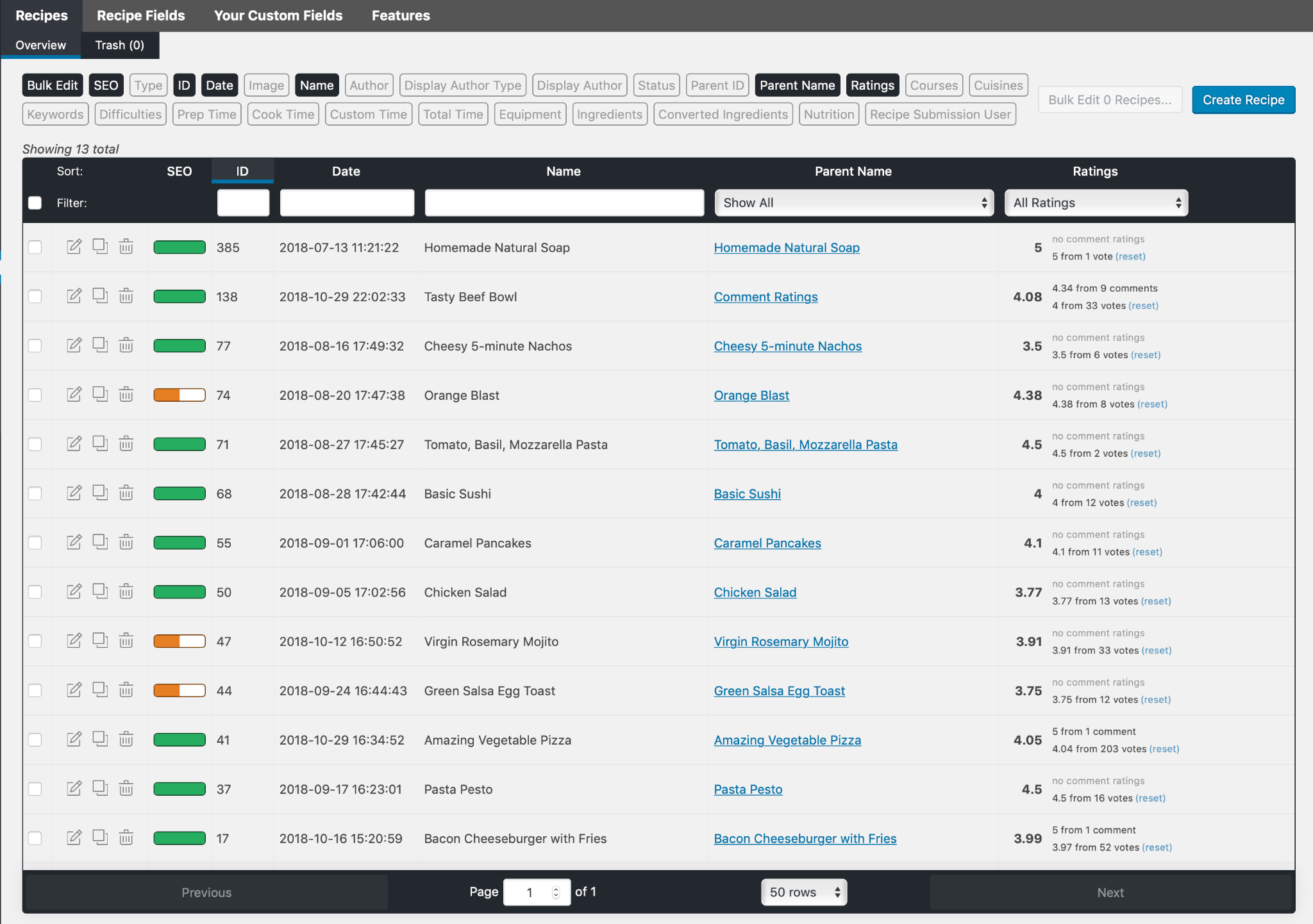
Where Recipe Card Blocks has you fill in recipe blocks inside the post with a live preview, WP Recipe Maker opens a dedicated recipe editor from its block and drops the finished card into your post when you save. WP Recipe Maker also keeps every recipe on one Manage page, where you can sort and filter your whole library.
Design control is where WP Recipe Maker steps ahead. Its Template Editor lets you move elements around, restyle them, and even edit the code, all without leaving the visual editor. Recipe Card Blocks gives you preset card styles and color options in its paid plans, though it does not reach the same no-code depth.
Quick guide for deciding:
- Pick WP Recipe Maker for deeper command over how the finished card looks.
- Recipe Card Blocks keeps every step inside Gutenberg, while WP Recipe Maker also works in Gutenberg through its recipe block and adds a Manage page for sorting every recipe in one place.
Monetization, AI, and migration
Monetization
WP Recipe Maker’s Premium tier unlocks ingredient links and equipment links. Set an affiliate link once and reuse it across your whole recipe library. The Elite tier adds eCommerce Products, Recipe Collections, and a Quick Access Shopping List.
For shoppable recipes, WPRM connects to Instacart, Walmart, and Chicory. Chicory places contextual in-recipe ads from grocery advertisers and lets readers cart ingredients across 70+ integrated retailers, Walmart and Instacart among them. Chicory is available in the US only.
Recipe Card Blocks takes a WooCommerce route with shoppable recipes and equipment affiliate links. That fits sites already built on WooCommerce. WP Recipe Maker applies a saved ingredient link automatically everywhere that ingredient appears in your library, while Recipe Card Blocks saves linked ingredients for reuse in new recipes and updates an equipment item’s link across recipes at once.
How each plugin handles AI
Both plugins now use AI, but for very different jobs. WP Recipe Maker’s Elite AI Assistant is built around workflow and accuracy. Every tool makes a suggestion and waits for your review before anything changes. Six tools are on offer.
- Suggest Tags recommends cuisines, courses, diets, keywords, and custom taxonomies from your recipe content.
- Generate Ideas with AI surfaces fresh recipe and roundup ideas based on what already performs on your site.
- Import from Text with AI turns raw text from an email, doc, or old post into structured ingredients and instructions.
- Template Editor AI Assistant proposes card template changes from a prompt for you to preview before applying.
- AI Nutrition Review scans nutrition data across your whole site and flags values that do not match the ingredients.
- AI Unit Conversion Review checks metric and US conversions across your library for accuracy.
Recipe Card Blocks takes a different approach: its AI Recipe Generator turns a prompt into a complete recipe with ingredients, directions, an image, and recipe schema, which you can then edit in Gutenberg before publishing.
WP Recipe Maker keeps recipe creation in your hands by design: its AI Assistant helps you tag, check, and tidy the recipes you’ve cooked and written, on the principle that a finished dish should be real food you actually made.
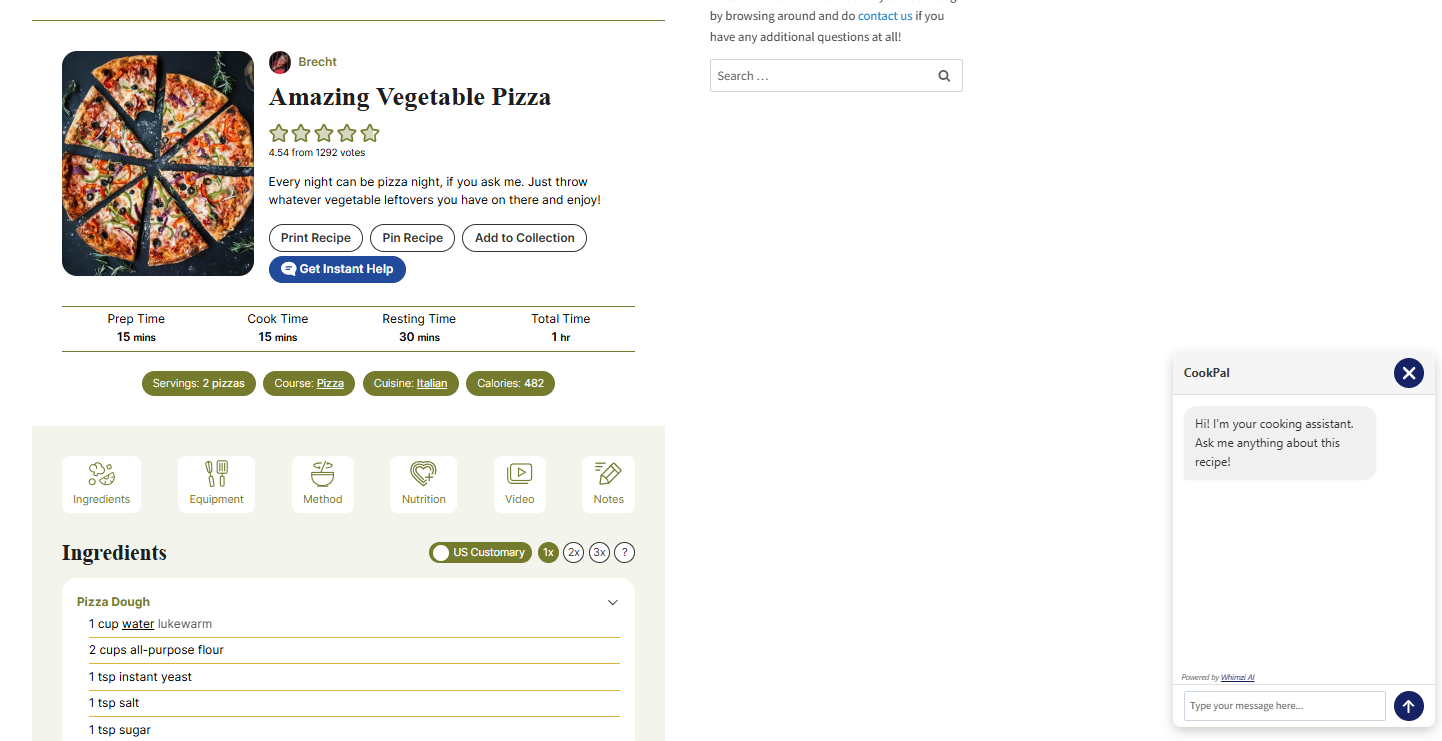
WP Recipe Maker also integrates with CookPal, a separate plugin that adds a reader-facing chat inside the recipe card and answers cooking questions from your post first, then general knowledge.
Recipe Card Blocks includes 3 AI credits with each paid plan, and each generated recipe uses one, so publishing more AI recipes means buying more credits.
The difference comes down to what you want AI to do. Recipe Card Blocks uses it to draft whole recipes from a prompt, while WP Recipe Maker uses it to check, tag, and tidy the recipes you’ve already cooked and written.
| Quick note on speed and migration Recipe Card Blocks can feel lighter because its workflow covers less ground, but WP Recipe Maker only loads the front-end assets your recipe features need, so it stays quick as your library grows. Moving between them is possible in both directions, since WPRM imports from Recipe Card Blocks and Recipe Card Blocks imports from WPRM. ⚠️ In either case, check your ingredient parsing and card layout manually once the import finishes. |
Which plugin should you choose?
WP Recipe Maker is the stronger fit for food bloggers who want control over how their recipe cards look and more ways to earn as their blog grows.
- Just starting out. Both free versions output recipe schema, so either one gets you rich-result-ready cards on day one. WPRM Free adds the Template Editor from the start, so the card you publish now can grow into a branded, monetized one later without switching plugins.
- Growing your blog. WPRM pulls ahead once template control, affiliate links, conversions, and growth features matter more than a simple editor.
- Large recipe libraries. WPRM is built for volume, with a sortable Manage page, wide import support, and site-wide AI checks at the Elite tier.
- Running multiple sites. WP Recipe Maker licenses scale from 1 site to 2, 3, or up to 20, so you can match the license to your portfolio. Recipe Card Blocks’ largest listed plan, Business, covers 10 sites.
- Your page builder. WPRM works across Gutenberg, the Classic Editor, Elementor, Divi, and Bricks. Recipe Card Blocks focuses on Gutenberg and Elementor, so lean toward WPRM if you build with Classic Editor, Divi, or Bricks.
A few facts worth weighing too. WP Recipe Maker has 50,000+ active installations; it is the full-time product of its founding team at Bootstrapped Ventures, and support tickets are answered within 24 hours or usually even faster.
Try WP Recipe Maker today
Ready to give your recipes a proper home? Installing WP Recipe Maker from Bootstrapped Ventures takes only a few minutes, and every paid plan comes with a 30-day money-back guarantee.
Moving up later is just as easy. Your existing recipes stay exactly where they are when you upgrade between tiers, so nothing breaks and nothing needs rebuilding. And if you ever cancel, your site keeps the version it is on, only minus future updates and support.
So go ahead and build recipe cards your readers love and Google rewards.