

Swapping your recipe plugin usually kicks off with the same nervous worry. Your Google traffic might crash the moment you switch, and that fear keeps plenty of food bloggers stuck on a setup that stopped fitting them long ago. The good news is that a careful switch rarely hurts your rankings, as long as every recipe keeps valid schema after the move. With that worry settled, the choice comes down to how you work each day as much as what happens to your schema.
A better way to compare recipe plugins comes down to three things. How you like to write and build your recipes, what your full plugin stack really costs once the add-ons pile up, and whether the tool helps you earn from ingredients, equipment, and roundups without buying extra plugins to do it.
This guide covers five popular picks, Tasty Recipes, Recipe Card Blocks, WP Delicious, Create, and WP Recipe Maker, with the honest bundle pricing most listicles skip.
WP Recipe Maker alternatives compared
Here is the fast version for anyone who wants the answer before scrolling further. The table below lines up all five plugins across the things that shape your decision, including price, free tier, editor style, schema, monetization, nutrition, multi-site cost, and whether you can bring your old recipes along.
| Plugin | Entry-level paid price | Free tier | Gutenberg-native | Schema types included | Automatic affiliate links | Multi-site pricing |
| WPRM Premium | $49/year (1 site) | Yes | Blocks, Classic, and Elementor (modal editing) | Recipe, How-To, and ItemList (all included in Free) | Ingredient and equipment links, WooCommerce at Elite | 3 sites $129, 20 sites $199 |
| Tasty Recipes | $49/year intro, renews $99/year (1 site) | Yes (Lite) | Blocks and Classic | Recipe (JSON-LD) | Amazon links in cards, sitewide via Tasty Links | 3 sites $99, 5 sites $199 in year one (renews at $149 and $249); 25 sites only through All Access ($349 in year one) |
| Recipe Card Blocks | $59/year (1 site) | Yes (Lite) | Fully native, inline editing | Recipe, plus roundups | Equipment and WooCommerce (paid) | 3 sites $79, 10 sites $99 |
| WP Delicious | $59/year (1 site) | Yes (Lite) | Hybrid modal and blocks | Recipe (JSON-LD) | Ingredient and equipment affiliate links | Single-site plans only ($59/year or $199 lifetime) |
| Create | Free (Create Studio Premium for advanced tiers) | Yes | Native blocks and Classic, live preview | Recipe, HowTo, and ItemList, all free | Amazon Creators API product links | Premium extra sites 50% off |
| WPRM Free | Free | Yes | Blocks, Classic, and Elementor | Recipe, How-To, and ItemList | No (paid feature) | Free on any site |
Quick takes:
- Tasty Recipes advertises a first-year discount that returns to full price at renewal, so budget $99 for year two on a single site.
- WP Delicious sells a one-time $199 lifetime license for one site, which costs less than its $59 yearly plan from the fourth year.
- WPRM adds automatic nutrition facts at Pro ($99), with custom and calculated nutrients, and you can start on Premium and upgrade by paying the difference once calorie counts matter to your readers.
WP Recipe Maker is the strongest all-round option in this comparison. WP Recipe Maker covers the features most food bloggers are likely to need as they grow without pushing key parts of the workflow into separate paid plugins. You can work in Classic, Gutenberg, or Elementor, add ingredient and equipment affiliate links, control your recipe templates, and publish roundup posts with ItemList schema from the same plugin.
That breadth is where WPRM pulls ahead. Other plugins have clear strengths, but they tend to make you choose between a particular editor experience, reader-focused features, design simplicity, or a lower starting cost. WPRM gives you more of those pieces together, then lets you move from Free through Premium, Pro, and Elite without migrating your recipes or changing systems.
Premium recipe plugins
Free plugins carry you a long way, but paid options open up the features most growing food blogs reach for sooner or later. Cleaner templates, monetization tools, reader engagement, and support that answers back when something breaks.
The paid plugins below each have a loyal following, and every one has earned it differently. Some win on design and polish, some on the editing experience, and some on the community features that keep readers coming back for more. Below, each one gets what it does well, its real cost once add-ons enter the picture, and the blogger it fits best.
Tasty Recipes
Tasty Recipes
Tasty Recipes is a premium WordPress recipe plugin built by WP Tasty. Its selling points are easy to see. Cards look clean straight out of the box, the editing screen feels familiar, and the card themes pick up your site’s fonts and colors without much setup. It also handles recipe schema on its own, so your cards can show up in Google with star ratings and cook times. Pricing starts at $49 for year one on a single site and renews at $99 per year after that, and there is a free Lite version if you want to test the schema before paying.
Here is what you get with the paid plugin.
- Recipe card themes that adapt to your existing site design.
- Automatic recipe schema in JSON-LD for Google rich results.
- Recipe scaling, hands-free Cook Mode, and US to metric unit conversion.
- Nutrition labels, calculated automatically if you connect a separate Nutrifox account.
- Ingredient checkboxes, jump-to-recipe and print buttons, and reader star ratings.
- Import tools to move your recipes over from another plugin.
The cost picture gets bigger once you look past the recipe card. Automatic affiliate linking and roundup posts are not part of the recipe plugin. They live in two separate products, Tasty Links and Tasty Roundups, and each one starts at $49 for year one before rising to $99 at renewal. If you want recipes, autolinked affiliate keywords, and roundup lists with list schema together, the practical choice is the All Access bundle, which packages all four plugins for $149/site in year one and $199/site per year after. That works out well if you use everything, though it is a larger commitment than a single plugin, so the renewal figure is worth a look before you commit.
It fits bloggers who already run other WP Tasty plugins and want to stay in that ecosystem. For anyone who would rather keep recipe schema, ingredient and equipment affiliate links, and roundup structured data inside one subscription, WP Recipe Maker Premium makes the cleaner case. It holds steady at $49 per year with no renewal jump, and it folds the monetization tools and roundup schema into its own tiers instead of asking you to buy and manage extra plugins alongside it.
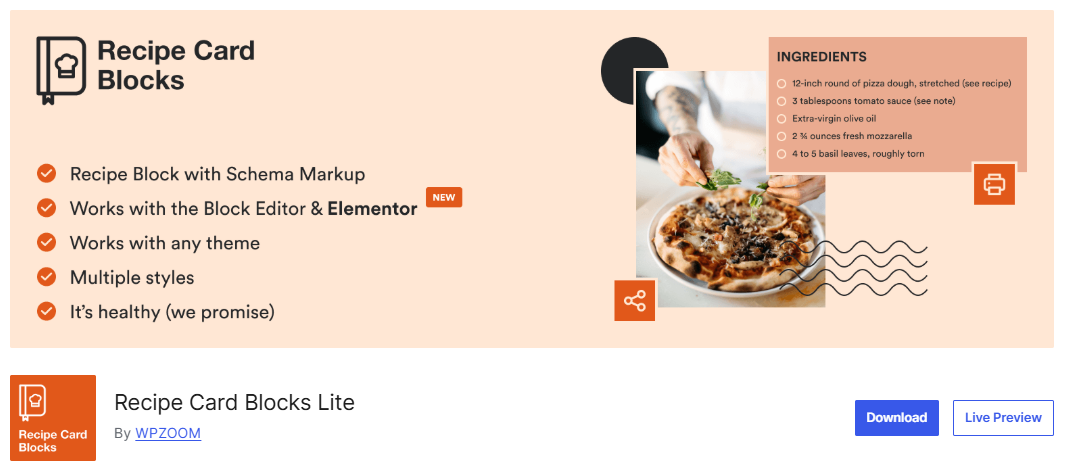
Recipe Card Blocks by WPZOOM
Recipe Card Blocks
Recipe Card Blocks is a Gutenberg-native recipe plugin from WPZOOM. Rather than opening a separate window to build a recipe, you type ingredients, steps, and notes straight into the block on your post, and what you see while editing is what your readers get on the page. Paid plans start at $59 a year for a single site, and there is a free Lite version on WordPress.org if you want to try the basics first.
Here is what stands out.
- Inline block editing plus support for Elementor and AMP, so you are not tied to one page builder.
- JSON-LD recipe schema for Google rich results.
- Several modern card styles, with color customization added in the paid version.
- A Recipe Index block on paid plans, so you can list your recipes without a second plugin.
- Nutrition facts you can add free, automatically, or as a downloadable label.
- Unit conversion, recipe roundups, user submissions, and WooCommerce links from the Starter plan up.
- An AI Recipe Generator that drafts a full recipe from a short prompt.
- One-click import from WP Recipe Maker and other plugins.
A few trade-offs are worth knowing. The block-first design is a plus if you love Gutenberg, but it is a weaker fit if you write in the Classic Editor or prefer a separate recipe-building screen. The AI Recipe Generator comes with a catch too. The tool is available in the plugin, including the free version, but each recipe you generate uses an AI credit, and those credits are bought on top of your plan once the included ones run out. Any AI draft should be treated as a rough starting point, not a finished post.
Recipe Card Blocks sells multi-site licenses on its Professional plan (three sites, $79 a year) and Business plan (ten sites, $99 a year). WP Recipe Maker makes more sense if you want the freedom to move between the Classic editor, Gutenberg, and Elementor, tighter control over how every card looks across your whole site through its Template Editor, and one plugin that grows with you from a first recipe all the way to full monetization and roundup schema without swapping tools along the way.
WP Delicious
WP Delicious
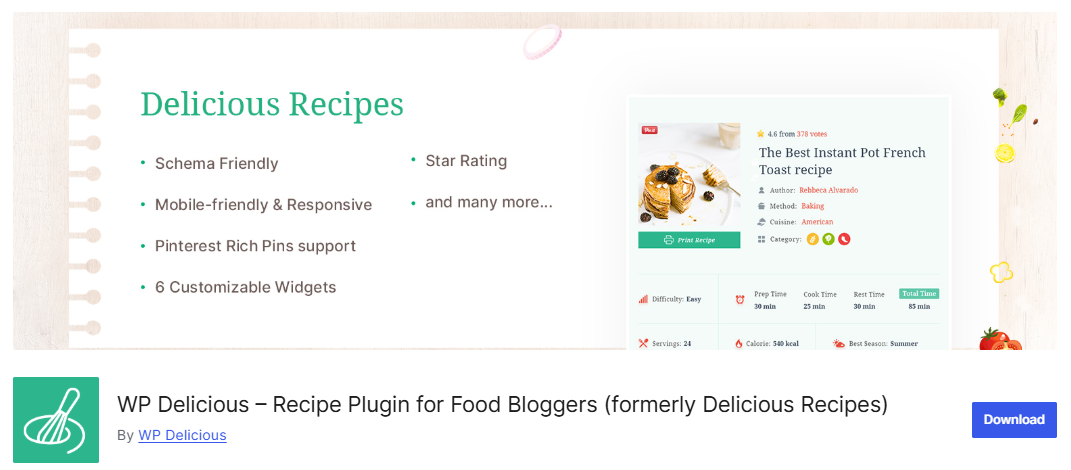
WP Delicious, formerly Delicious Recipes, is a freemium WordPress recipe plugin focused on reader engagement. Readers can create accounts, save favorite recipes, leave ratings, and, on Pro, send in their own dishes for you to review and publish. Pro runs $59 per year or a one-time $199 lifetime license, both for one site, with a free version on WordPress.org if you want to start small.
Here is where it stands out.
- A user dashboard where readers register, save favorites, and rate recipes.
- Front-end recipe submissions that you review and publish yourself.
- An advanced rating system that lets readers add photos and ask questions.
- An analytics dashboard showing likes, favorites, ratings, and your top recipes.
- Chicory integration for in-recipe ads and shoppable ingredients across 70+ retailers.
- Equipment and ingredient affiliate links, plus automatic nutrition and unit conversion.
- A floating recipe bar with focused reading mode, a timer, and social sharing.
- Engagement touches like emoji reactions and a “Surprise Me” random recipe button.
For bloggers who also want fine-grained schema control and site-wide template editing, WP Recipe Maker covers both. Besides, reader submissions are not a WP Delicious exclusive. WP Recipe Maker Elite at $149 per year also includes user recipe submissions and Recipe Collections, so if you want that community feature paired with heavier schema and design control, you have another path to it.
WP Delicious concentrates on reader accounts, submissions, and ratings, and it also sells a single-site $199 lifetime license. WP Recipe Maker stays the stronger all-round pick when your blog also leans on precise schema control, monetization tools, and deep customization, since it brings those together with the same submission and collection features once you reach the Elite tier.
Free recipe plugins
Not every blog needs a paid plugin on day one. If your budget is tight or you are still finding your footing, a few free tools handle recipe cards and schema well enough to get real recipes live and searchable. The obvious drawback is that free versions tend to cap the features that help you grow and earn later, so the smart question covers both what works today and what you can grow into without a painful switch further down the road.
Create by Mediavine (now Create Studio)
Create by Mediavine
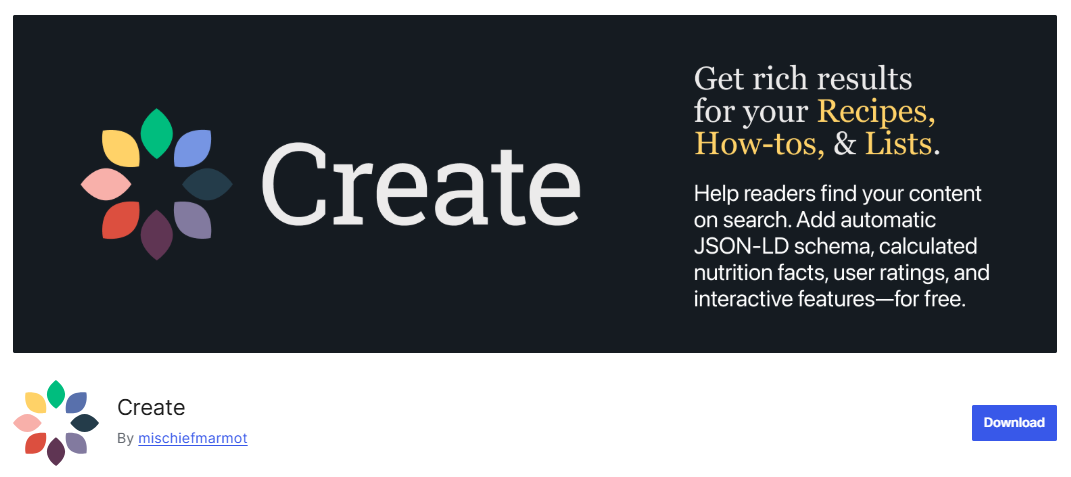
Create is a free WordPress recipe plugin that generates recipe, how-to, and list schema. That markup is added automatically, so your content is ready for Google from the start at no cost. In mid-2025, Create was bought from Mediavine by one of its original developers and now runs independently as Create Studio.
Here is what the free plugin gives you.
- Automatic Recipe, How-to, and List JSON-LD schema with one-button validation.
- A free nutrition calculator that reads your ingredient list.
- Built-in importers for WP Recipe Maker, Tasty, and about ten other plugins.
- Seven card themes that pick up your site fonts and colors.
- Support for both the block editor and the Classic editor with live preview.
- Amazon product links through Amazon’s Creators API.
The limits show up once you want interactive, reader-facing extras. Adjustable servings and unit conversion are not in the free plugin. They live in the paid Create Pro plan ($150 a year), along with Interactive Mode, premium card themes, and review management, though a 14-day Pro trial lets you test them first. Create is capable and free for the core work, but it is lighter on built-in monetization and deep template control than a plugin like WP Recipe Maker.
Create’s free plan covers schema, nutrition data, and imports from other plugins. If you expect to add serving scaling, unit conversion, or heavier monetization later, it helps to know those are paid steps here, so weigh whether you would rather start on a plugin that keeps the whole path in one place.
Other free options
Create is not the only free route. Several of the paid plugins already covered also ship capable free versions, and each one is a fair starting point.
- WP Recipe Maker free is the cleanest upgrade path in the group, since moving to any paid tier builds on the existing framework and you don’t have to start from scratch.
- WP Delicious free covers core recipe cards and light engagement features, including the reader dashboard, though reader submissions need the Pro upgrade.
- Cooked is a free plugin with a drag-and-drop builder, schema markup, nutrition facts, and cooking timers included at no cost. Ratings, reader submissions, and profiles sit behind the paid Cooked Pro upgrade.
Choosing the right plugin for your stage
The best plugin for you depends less on a feature checklist and more on where your blog sits today and where you want it to go. A brand-new site has different needs than one chasing ad-network traffic or running a full recipe business. Here is how the choice tends to look at each stage.
Starting out
The most useful early move is picking the plugin you want to grow into, not only the one that is free today.
Recipe libraries are quick to build and slow to move. Once you have dozens or hundreds of recipes, switching plugins means checking cards, schema, and formatting across every post, so the call you make now saves you trouble later.
Create and WP Recipe Maker free are both sensible starting points that handle cards and schema at no cost. Of the two, WPRM free is the smoother long-term path if monetization or heavy customization is anywhere on your roadmap, partly because moving up to a paid tier never asks you to re-import your recipes. If switching risk is on your mind, WPRM’s import docs show how recipes carry over from other plugins.
Growing
This is where a paid plan starts to pay off, and it is the clearest case for WP Recipe Maker Premium at $49 per year. As your library grows, Premium adds the tools that save real time.
- Affiliate ingredient and equipment links so you earn from products you already mention.
- Reader ratings that build trust and feed your recipe schema.
- Adjustable servings and Cook Mode, so readers can scale a recipe and keep their screen awake while cooking.
- Favorite recipes and premium template presets, plus the free Template Editor.
It is worth doing the math against a comparable Tasty setup. To match that same workflow, a Tasty user needs Tasty Recipes for the cards, Tasty Links for affiliate autolinking, and Tasty Roundups for list posts, which WP Tasty sells together in its All Access bundle (all four plugins, including Tasty Pins) at $149 for year one and $199 per year after on a single site. WPRM Premium holds at $49 with no renewal jump, and the cost gap is easy to see.
Monetizing at scale
For larger libraries and full recipe businesses, the anchor feature is Recipe Collections in WPRM Elite at $149 per year. Collections let readers save recipes, plan meals, and build shopping lists, which turns a single visit into a reason to come back, and WP Recipe Maker is the only plugin here with meal planning built into the plugin itself.
WP Delicious also covers reader submissions and a member dashboard. However, for most established sites that want schema control, monetization tools, and deep customization in one plugin, WPRM Pro at $99 or Elite at $149 is the pick.
Get started with WPRM today
WP Recipe Maker is the strongest all-round option here because it gives you room to grow without locking you into one particular workflow. By this point, the differences between these plugins matter more than the feature lists themselves. Some make the most sense when budget is the priority; others suit a very specific editing style or put more emphasis on reader engagement. Those can all be good reasons to choose them, but they also come with clearer trade-offs once your recipe site starts asking more of the plugin.
That is where WP Recipe Maker makes the strongest case. If you want one recipe plugin that can grow with your site instead of forcing you to piece together extra tools later, it is the strongest all-round choice.
You can start completely free, then add affiliate links, reader ratings, serving adjustments, nutrition, advanced templates, recipe collections, and other monetization features as you need them. Your recipes stay in the same plugin as you move through the tiers, and you keep control over your editor, schema, and card design along the way.
That is what gives WPRM the edge over the alternatives in this guide. It is not necessarily the cheapest plugin in every scenario or the most specialized in every category, but it asks you to make fewer compromises as your recipe site grows.
Every paid WPRM plan comes with a 30-day money-back guarantee, so you can test it on your own recipes without risk.
Ready to check it out? Install WP Recipe Maker, build one recipe, and see how it feels.